Coming soon
Steel frame
For multi-story steel structure modeling requirements. Coming later.
Start steel modeling, model imports, and design sessions in natural language. iSteel turns engineering intent into models and drawing deliverables you can keep refining.
Quick modeling
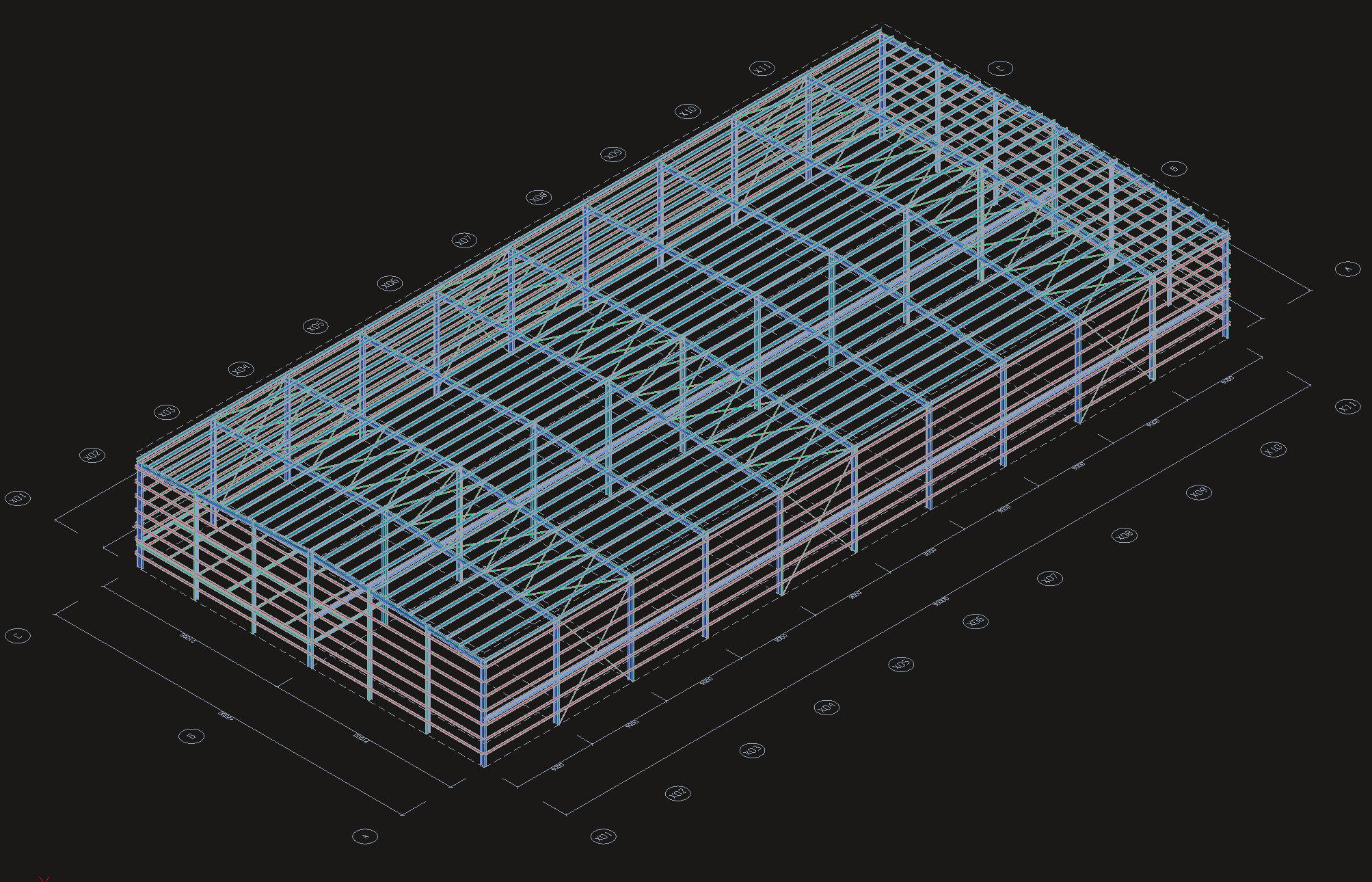
Choose a structure type, fill in key design requirements, and quickly generate an interactive structural model.
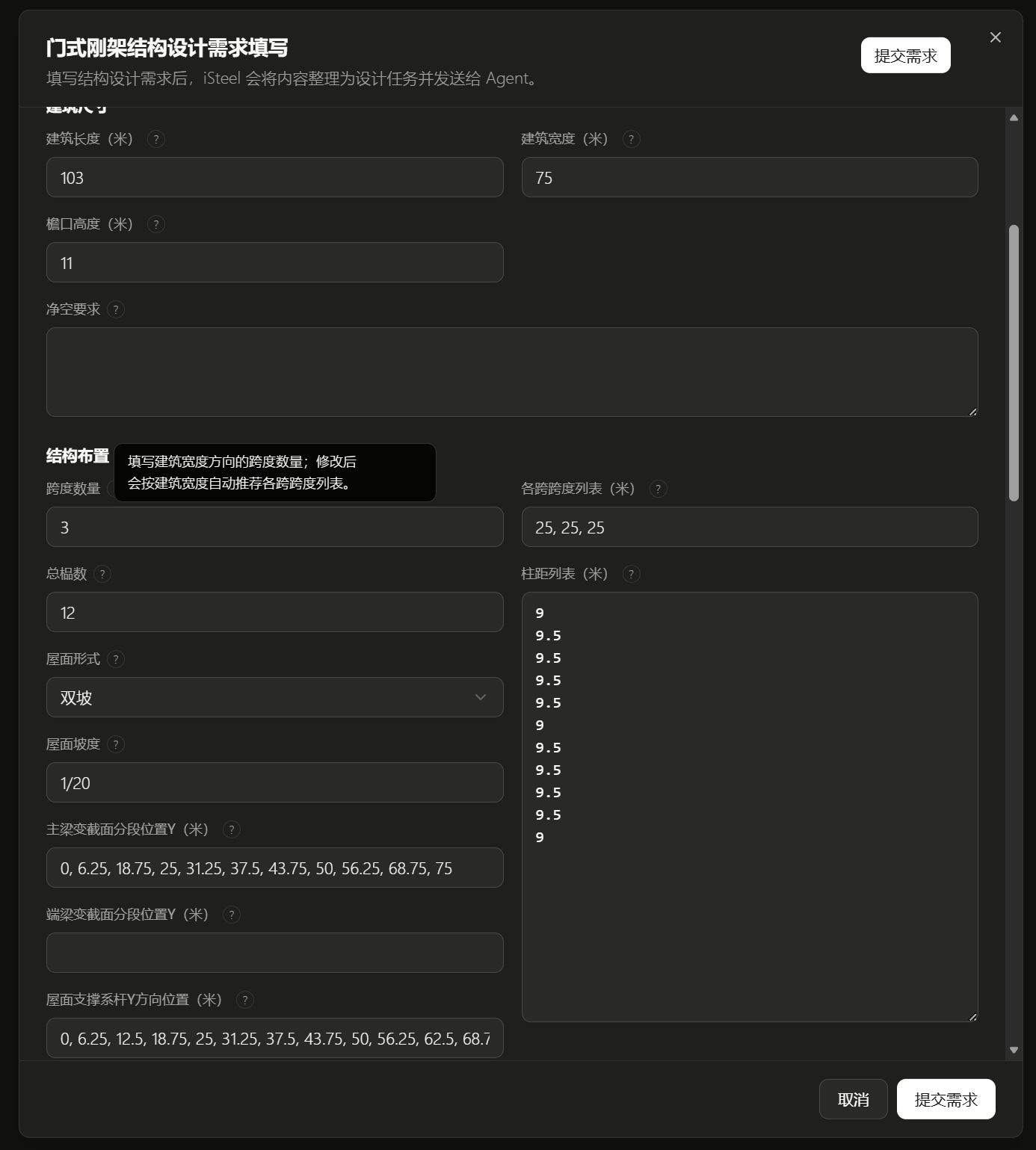
Fill in span, frame spacing, eave height, loads, and other requirements to generate a portal frame model.
For multi-story steel structure modeling requirements. Coming later.
For long-span spatial structure modeling requirements. Coming later.
Case Studies
Open saved real sessions to review typical iSteel design workflows.
See how natural-language dialogue confirms design requirements and generates a portal-frame model.
Collect key parameters with a focused form and enter the modeling flow quickly.
Adjust model structure and design intent through follow-up dialogue.
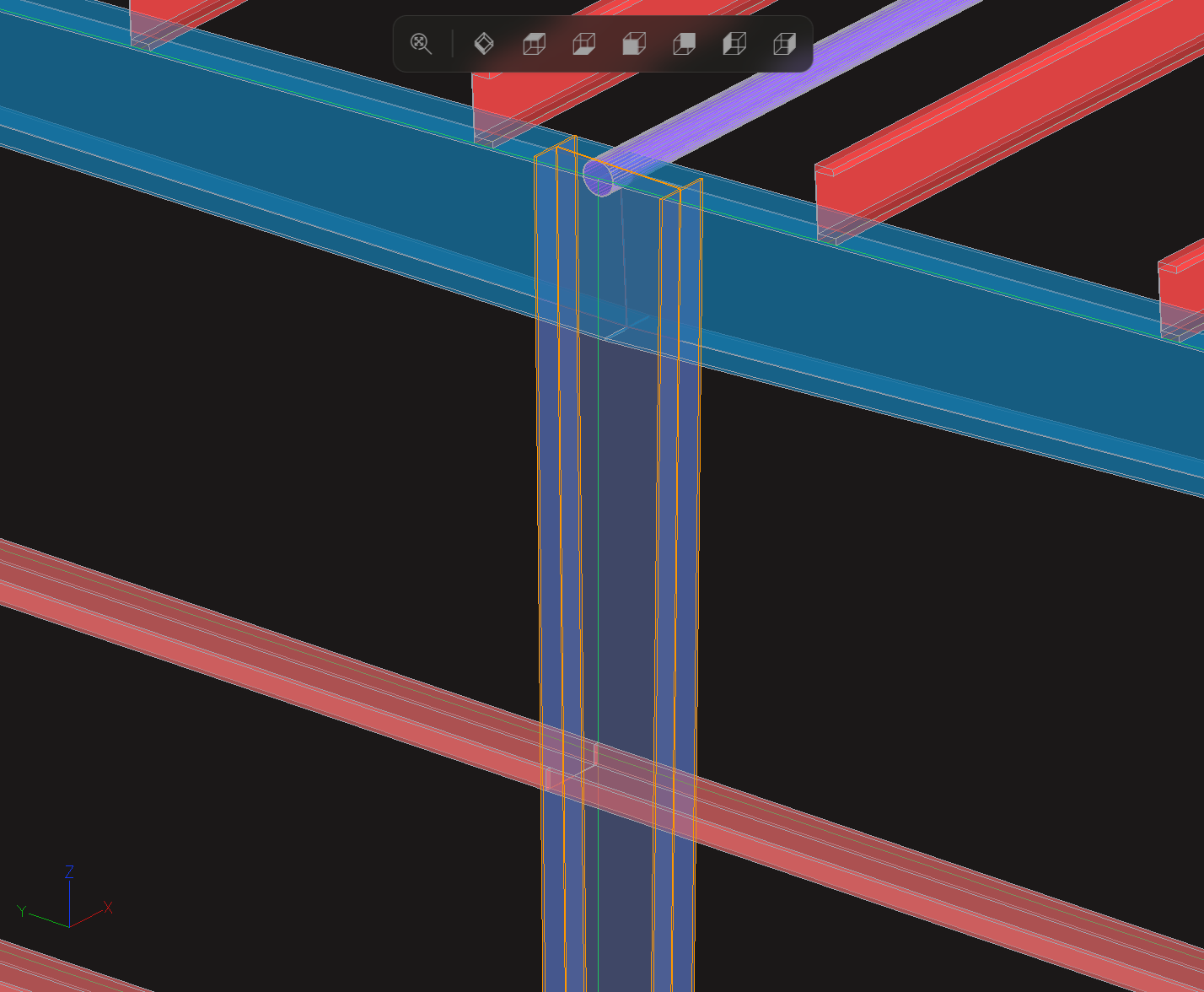
Select beams, columns, and other members to inspect and edit object properties.
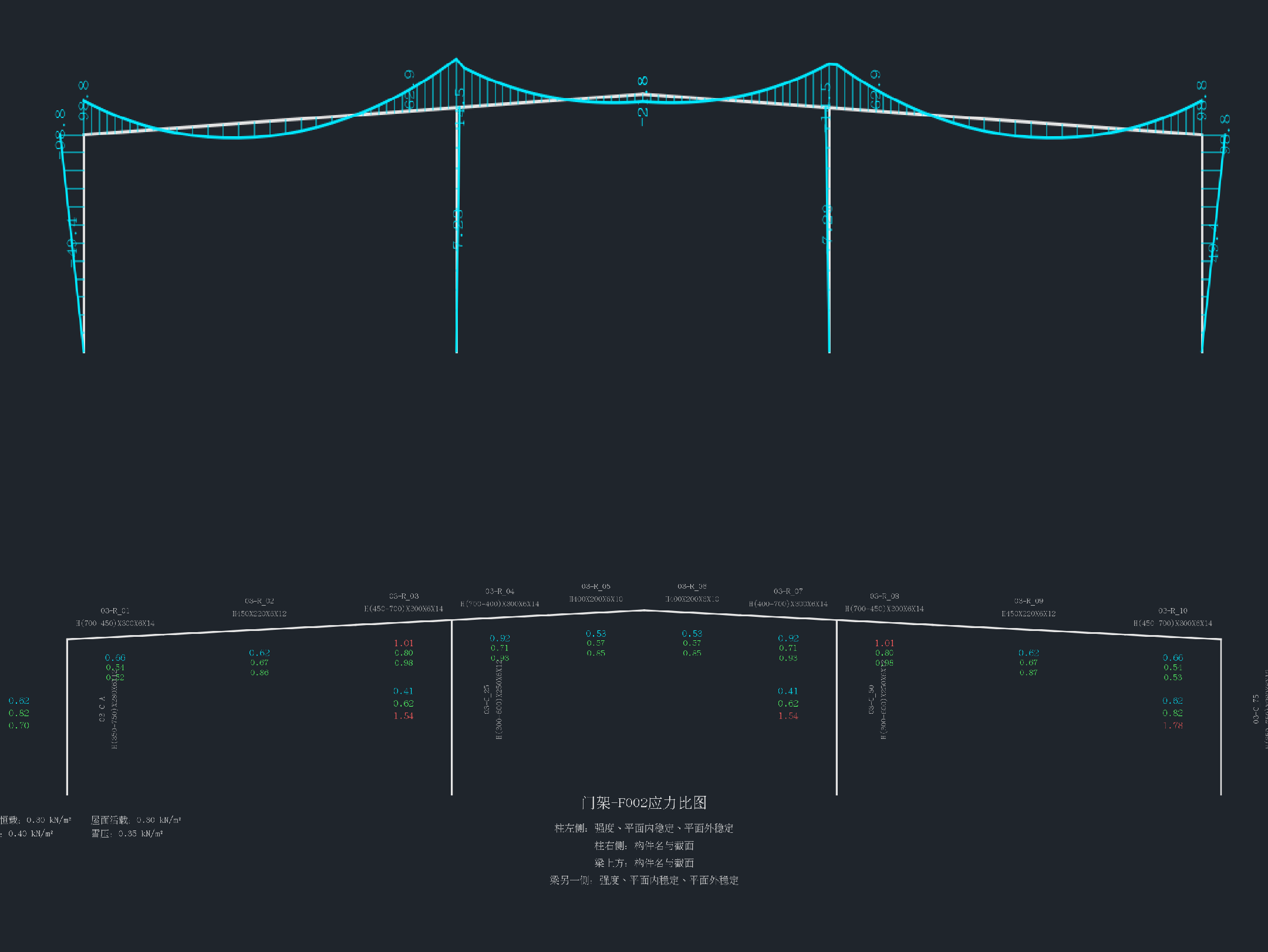
Move from the model into structural analysis and calculation results.
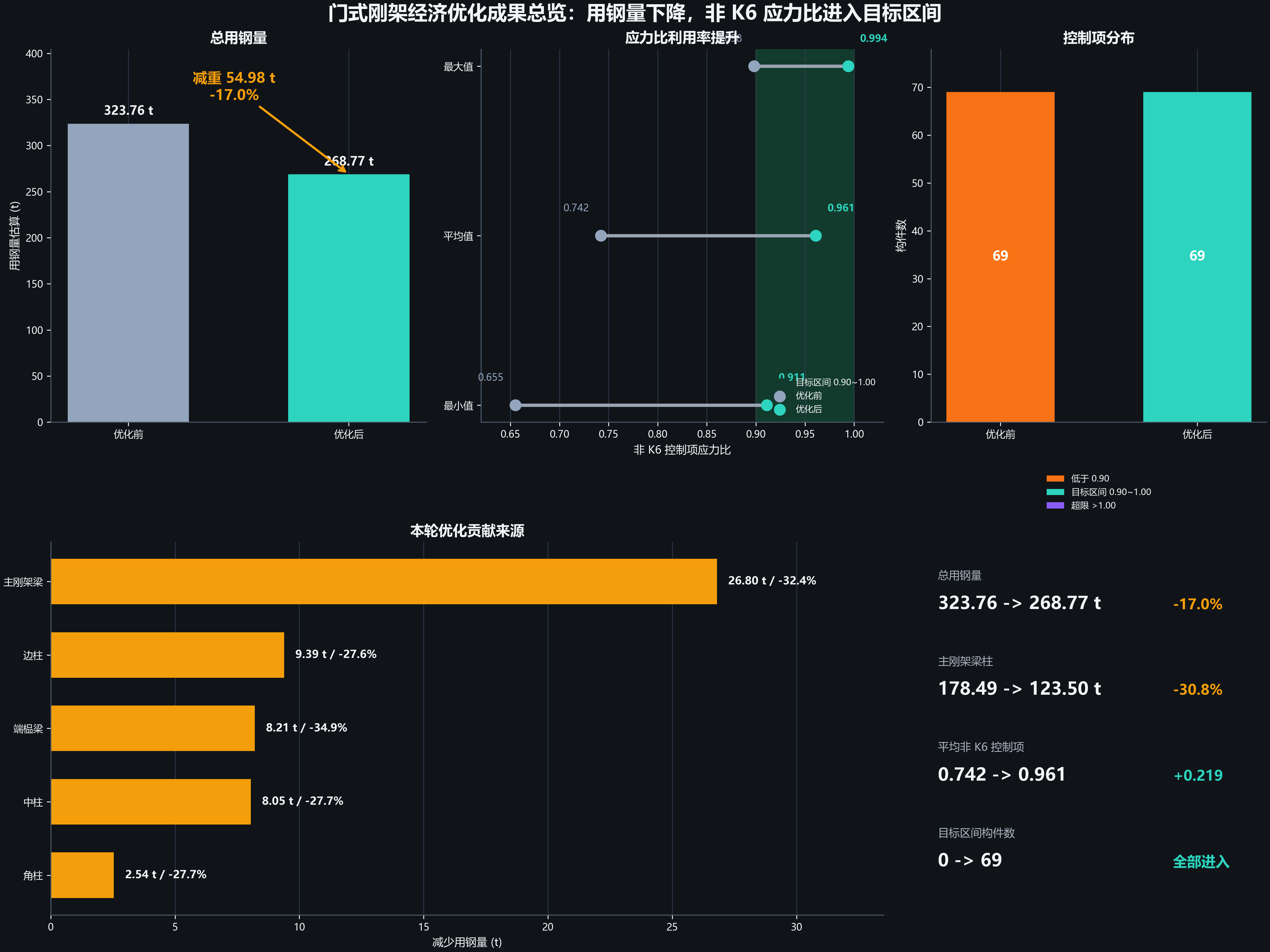
Optimize member schemes around stress-ratio and steel-quantity results.
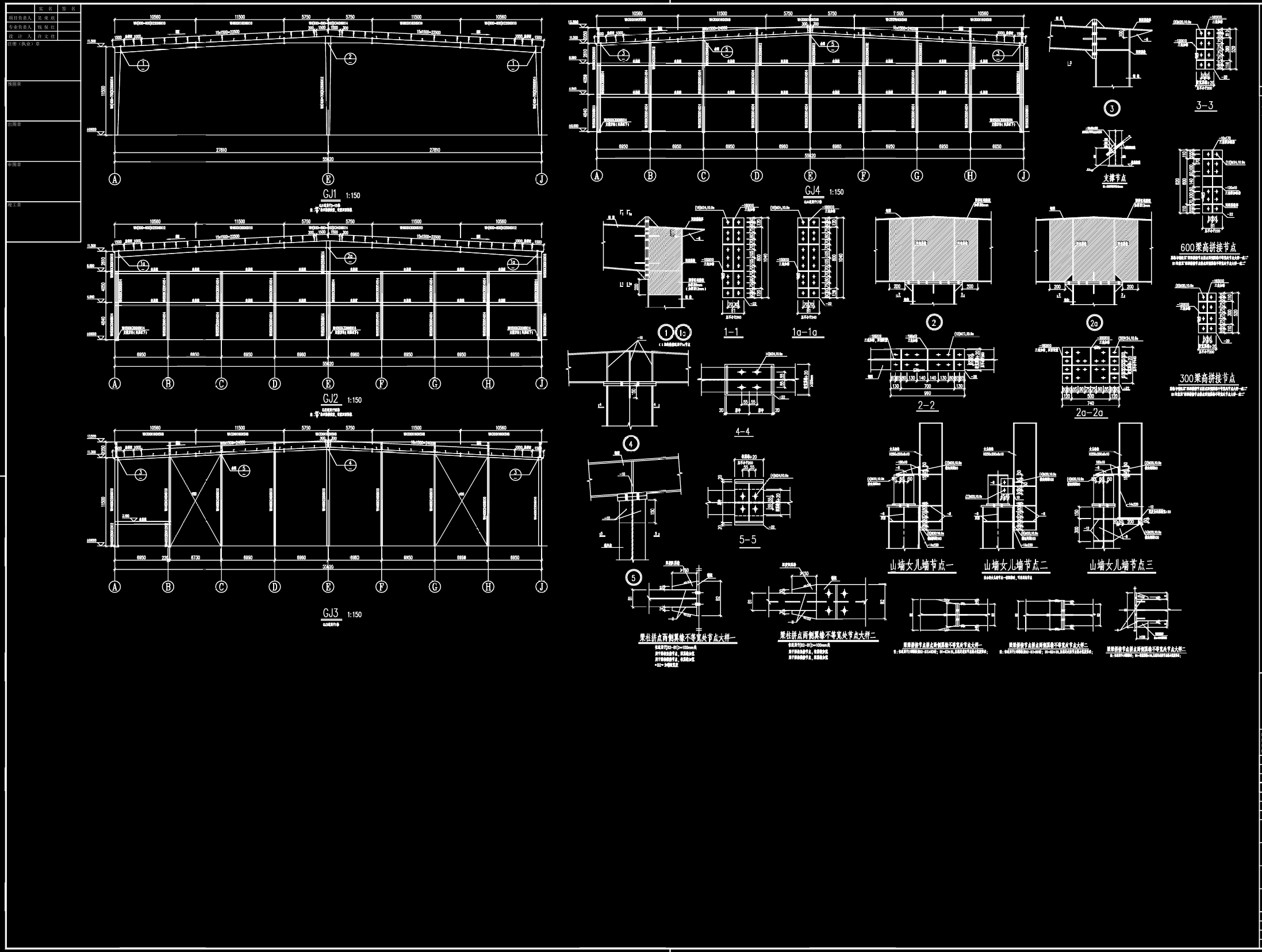
Build the model from drawings and summarize member steel quantities.
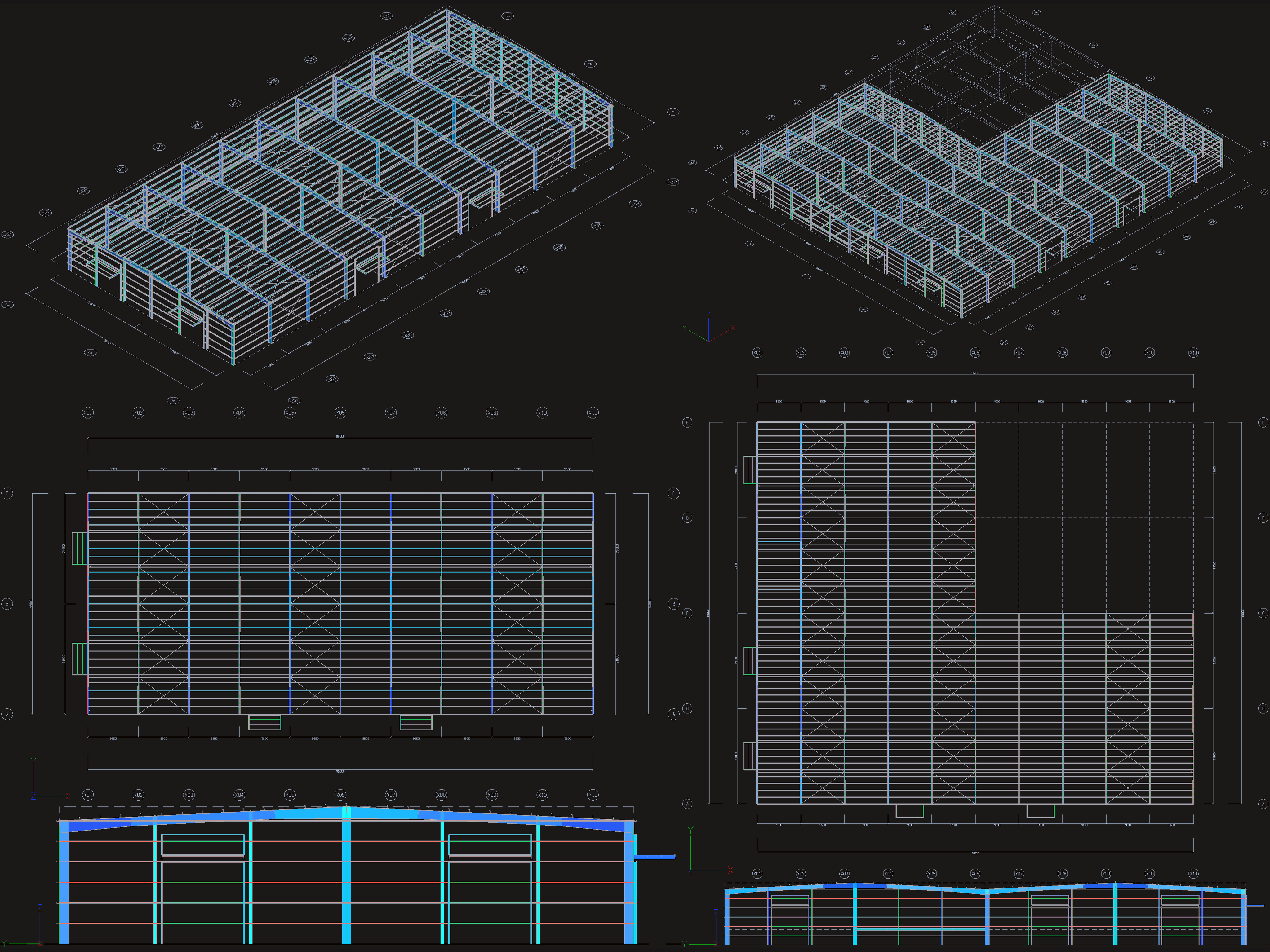
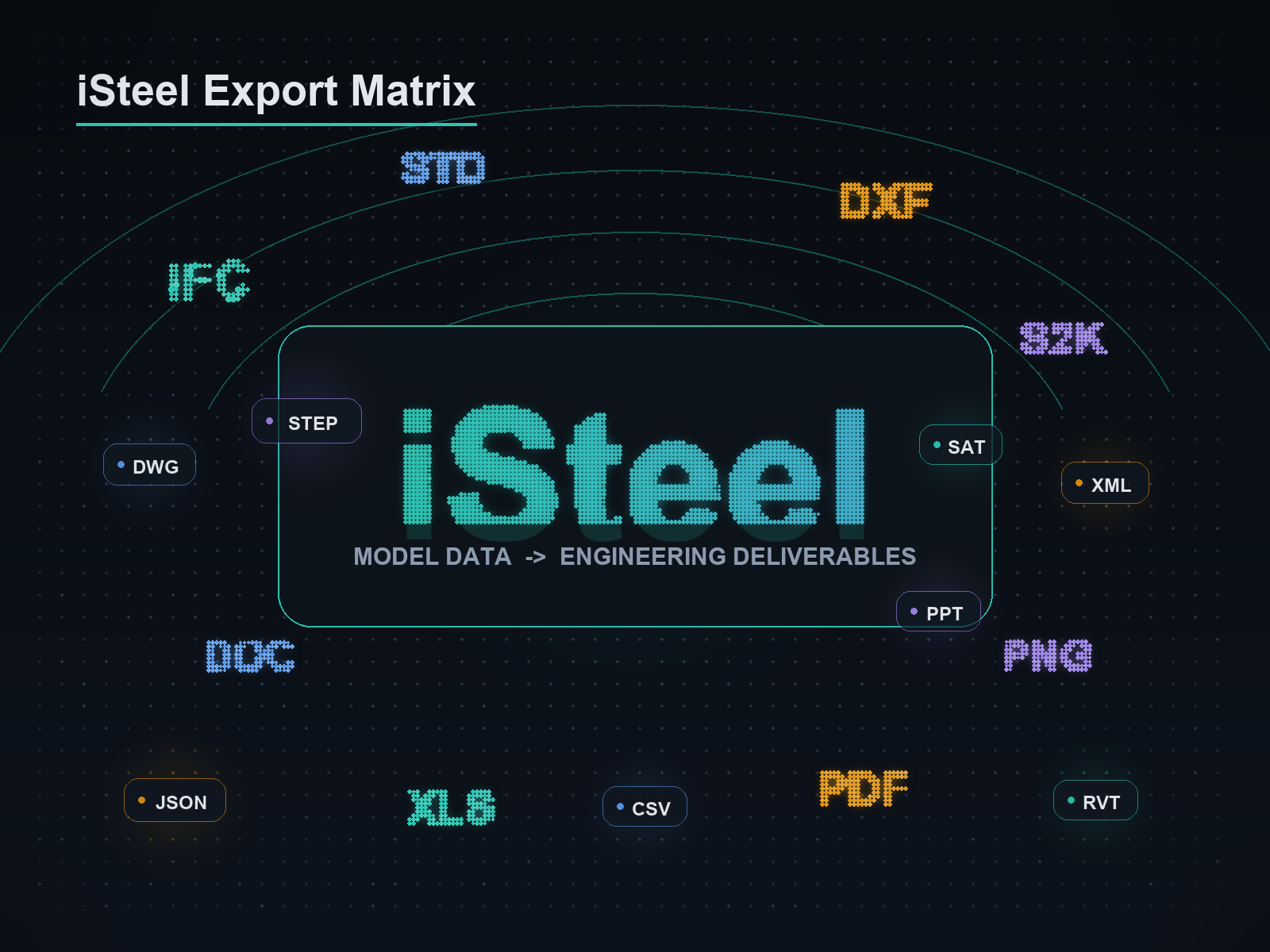
Export models and design outcomes as deliverable files.
Workbench shortcuts
Ready capabilities open the workspace directly. In-progress capabilities are muted so they are not mistaken for complete features.
Steel quantities from DWG drawings, delivered in XLSX
Describe members and joints with structural semantics
Look up steel sections and calculate weight, surface area, and section properties
Look up design codes and checking guidance
Convert Steel DSL models to IFC, DXF, and other formats for export.
Move from natural-language requirements into structural schemes while AI helps generate parametric models and design suggestions.
Organize model information around beams, columns, joints, and envelope systems for detailing, quantities, and checks.
Produce deliverable engineering results for CAD, BIM, quantities, and design documentation.